· 7 min read
How I Keep My Projects Portable Between AI Assistants
James Godwin
When I talk to people about how they use AI, I often hear that their whole working process lives inside one tool. They have built up conversations, plans and a way of working that suits them. I usually ask what would happen if they lost access to that account.
A friend of mine experienced exactly that. He had set up a whole process in a chat tool and then lost access because of a policy issue. I do not know the details of that issue, but the work he had been relying on was no longer accessible to him through the account. We had already spoken about keeping a separate project record so he could move between tools. His experience made the reason for doing that very concrete.
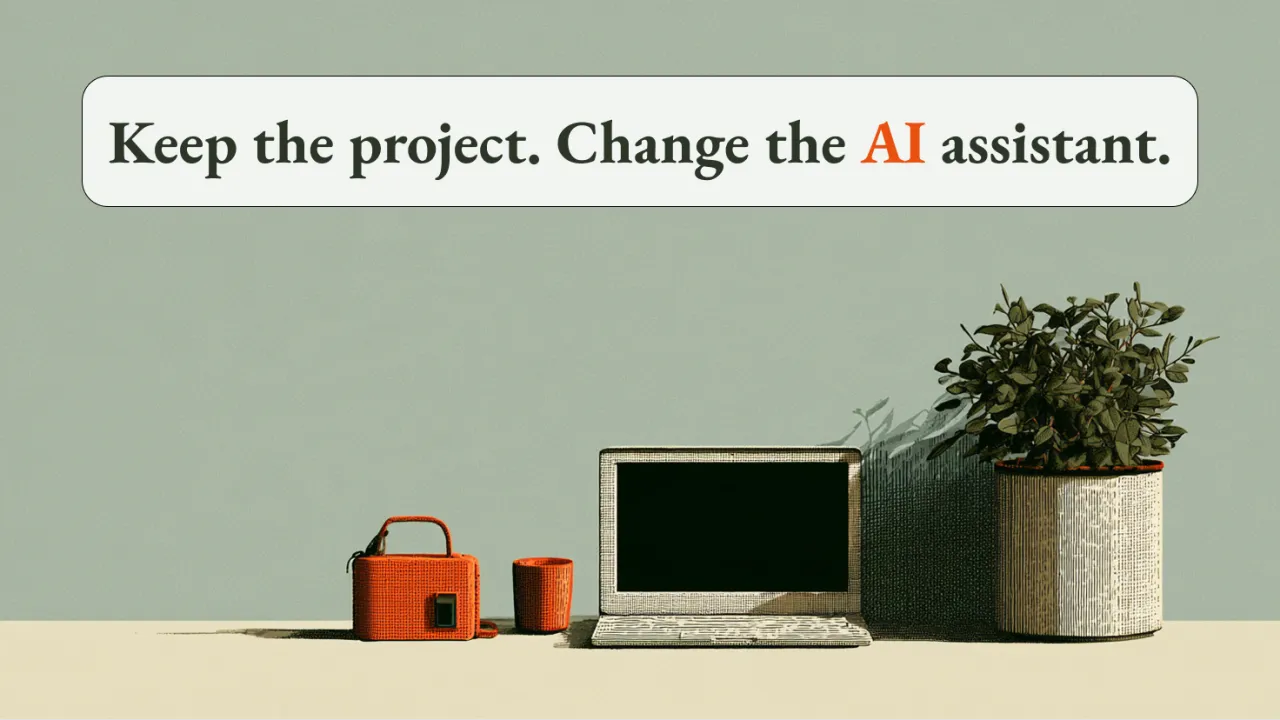
I want to be able to choose which AI I work with without putting the continuity of my projects at risk. That means keeping the plans, decisions and record of the work somewhere I control. The conversation can happen in whichever tool is useful at the time, while the project has a life outside that conversation.
Over time, I have developed a startup template to support this. It is now on version seven, mostly because I keep finding small ways to make the work easier to resume and understand. When an idea becomes something I want to pursue, I ask the assistant to use the template to organise what we have discussed into files inside the project folder. Those files are written in Markdown, which is plain text with simple formatting.
The planning can happen in any tool I choose. We work out what I want to achieve, the constraints and what a useful result would look like. For a larger piece of work, we write a specification and break it into smaller slices, each with a result I can check. This gives the next assistant something definite to work on, even if it was not involved in the original discussion.
In a coding project, a slice goes through implementation and the checks appropriate to it. That can include unit tests, other automated checks and me trying the actual behaviour in the app. Once the agreed checks are satisfied and I am happy with the result, we mark the work complete. If something still needs manual testing, that remains visible, so the next session does not mistake written code for a finished feature.
As we work, the assistant records the important decisions and what was actually done. If we change direction, I want the reason available later. It is easy to look at a project a month afterwards and wonder why a particular tool was chosen or why an apparently simpler approach was rejected. A short explanation saved at the time gives both me and the next person something to work from.
The file I rely on for continuing is called next-day.md. Despite the name, it is useful whenever I start another session, including later the same afternoon. It records where we stopped, what comes next and anything that needs resolving first. It also points to the relevant specification or review, so the new session has a specific starting point.
Keeping that file current is part of finishing a piece of work. I expect the assistant to update the record as we reach useful stopping points, including when a problem interrupts us. I still check important decisions and claims about what works. The next session needs an honest account of unfinished work just as much as it needs a record of what succeeded.
There also needs to be a clear doorway into the project. In my setup, files such as AGENTS.md and CLAUDE.md, along with the relevant tool rules, direct an assistant to the shared working instructions and current project information. These explain where to look and how to maintain the record. The startup template establishes that arrangement; I do not need to paste the whole template into every new conversation.
I pay particular attention to how much the assistant reads when it starts. A project can accumulate a lot of history, and loading all of it into every session uses up the context available for the current task. My instructions direct the assistant to the current work and the material needed to understand it. Older logs and detailed explanations remain available when a question makes them relevant.
That keeps the initial context focused. If the task requires a deeper investigation, the assistant can follow the references and inspect more of the project. I want it to know where to look, without making it absorb the entire history before it can begin. This is also how I approach token use, by being deliberate about what each task actually needs.
In practice, I can finish a piece of work in Claude and open the project in Codex for the next one. The new session reads the project instructions, finds the current handover and works from the recorded state. I can check its understanding before it makes changes, especially if I am trying a tool for the first time. The continuity comes from those shared files being available and current.
This gives me room to use different models for different kinds of work. I might explore a difficult idea with Fable, then move into Cursor or pi and use a less expensive model for a clearly defined implementation task. The plan and the checks travel with the work. I still judge the result against what we agreed, whichever model produced it.
A recent addition is a handbook for projects where someone else may need to understand how everything fits together. When a discussion produces a useful explanation of a design choice, we can save that explanation in plain language. The decision record preserves what we chose, while the handbook helps a person understand the reasoning and the concepts behind it. It is there when needed, rather than being loaded into every session.
I have also added more care around comments in the code. I want someone joining later to understand why an unusual choice was made and where to find the discussion that led to it. Useful comments explain those reasons and point to the relevant decision or specification. They need to change when the code changes, just as the handbook needs to stay consistent with the project.
More recently, I have started asking assistants to write down the useful understanding they have built up about how I work. That might include preferences, recurring constraints or lessons worth carrying into another session. I review the summary and keep it in a file another assistant can read. I treat it as a useful, editable account of that understanding, rather than assuming it captures everything a tool may remember.
The same care applies to the project records themselves. They need to stay accurate, and files I control still need to be backed up. A folder of stale notes will not make a handover reliable. The value comes from maintaining the record alongside the work, so it remains something a person or another assistant can trust.
A small version of this is easy to try. Before leaving a project, ask the assistant to save the agreed plan, the important decisions and a short account of where work stopped. Give the next-day file one concrete next task and links to whatever is needed to do it. When you open another session, ask it to read those notes and explain where it would begin. You will quickly see what was clear and what still depended on the previous conversation.
For me, this has become a useful way to work across Claude, Codex, Cursor and pi while keeping the project intact. It also leaves room to try another tool when something interesting appears. I can choose the assistant that suits the next piece of work, knowing that the understanding we have built together remains available in the project.
If you’d like to look through my startup template and see how I build and maintain this second brain, send me a DM and I’ll send it through.